Introduction
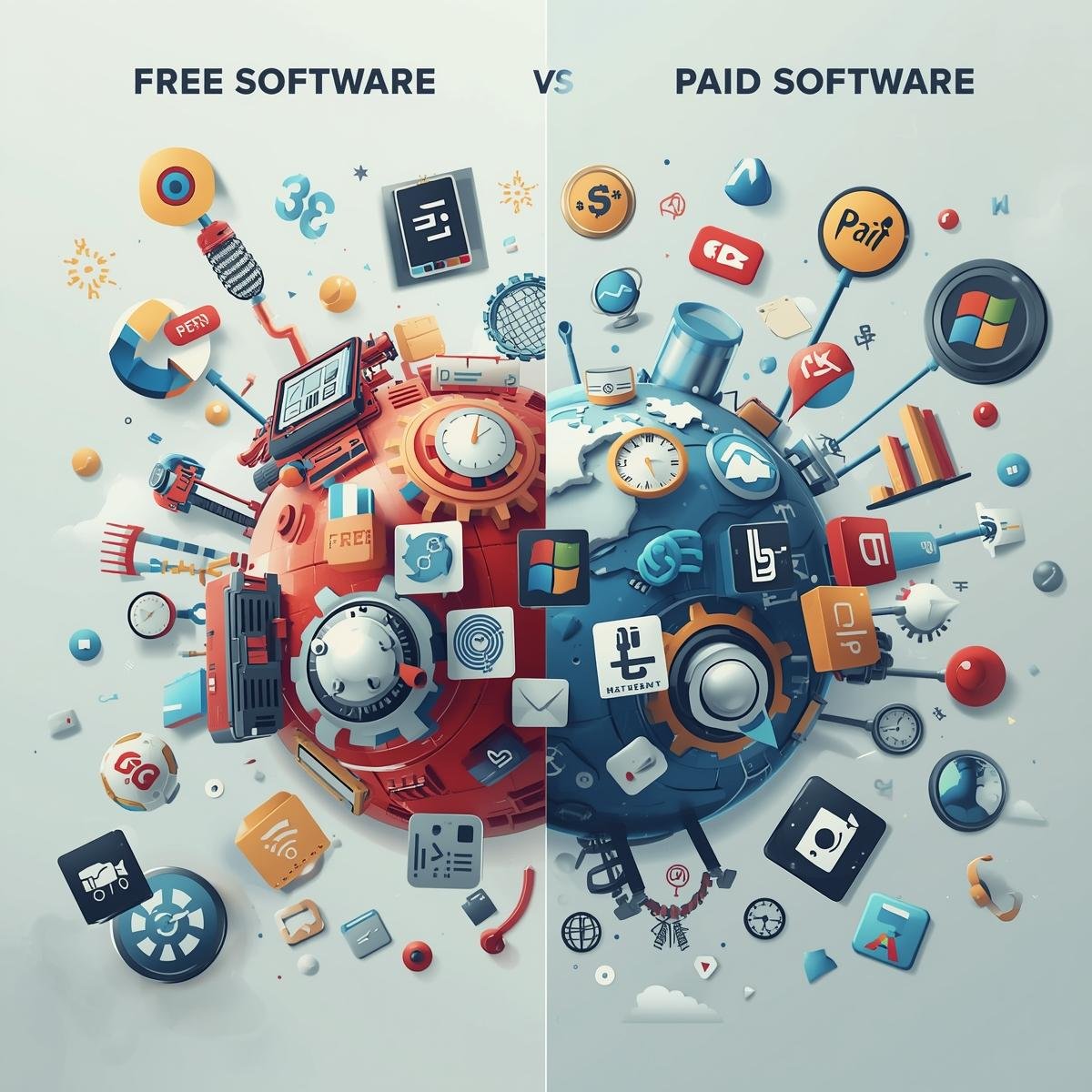
Software is essential for personal productivity, business operations, and creative work. Many applications are available as free or paid versions. Understanding the differences between free and paid software helps users make informed choices that balance cost, features, and support.
This guide explains the advantages, limitations, and best use cases for free and paid software.
Free Software
Definition
- Free software is available without purchase.
- Users can download, install, and use it without payment.
- May include open-source and freemium models.
Advantages
- Cost-effective
- Ideal for individuals or small teams with limited budgets.
- Accessibility
- Easily available online and simple to install.
- Community Support
- Open-source software often has active user communities for troubleshooting.
- Trial and Testing
- Free versions allow testing features before investing in paid alternatives.
Limitations
- Limited features compared to paid versions.
- Ads or promotional content may appear.
- Security updates and customer support may be limited.
- Some software may not support business use or scaling.
Examples of Free Software
- LibreOffice (office productivity)
- Google Docs and Sheets (cloud-based office tools)
- Trello (task management with limited features)
- GIMP (image editing)
Paid Software
Definition
- Paid software requires a one-time purchase or subscription.
- Includes full features, support, and updates.
- Often provides enterprise-level solutions.
Advantages
- Full Feature Access
- All tools and functionalities are available without restrictions.
- Customer Support
- Professional help for troubleshooting, installation, and training.
- Regular Updates
- Frequent updates include new features and security patches.
- Security and Compliance
- Paid software often includes advanced encryption and compliance with standards.
- Scalability
- Supports teams, businesses, and growing workloads effectively.
Limitations
- Higher upfront or recurring costs.
- May include subscription fees for updates and cloud services.
- Can be more complex to learn compared to free alternatives.
Examples of Paid Software
- Microsoft 365 (office suite with cloud integration)
- Adobe Creative Cloud (design, photo, and video software)
- Asana Premium (advanced project management features)
- Zoom Pro (extended meeting time and administrative features)
Key Differences Between Free and Paid Software
| Feature | Free Software | Paid Software |
|---|---|---|
| Cost | $0 | One-time purchase or subscription |
| Features | Limited | Full access |
| Support | Community-based | Professional support |
| Security | Basic | Advanced, with regular updates |
| Updates | Infrequent | Regular and comprehensive |
| Scalability | Small teams or personal use | Teams and businesses |
Choosing Between Free and Paid Software
Considerations
- Purpose and Usage
- Personal tasks may work well with free software.
- Business or team operations often require paid software for advanced features.
- Budget
- Free software saves costs initially.
- Paid software can be a long-term investment with improved productivity.
- Features Required
- Evaluate whether free features meet your needs.
- Consider if paid features provide significant value.
- Support and Security Needs
- Businesses may require professional support and security compliance.
- Personal users may rely on community support for free software.
- Integration
- Check compatibility with other tools and platforms.
Hybrid Approach
- Many users combine free and paid software.
- Core tasks may use free tools, while specialized work relies on paid solutions.
- Testing free versions before upgrading ensures cost-effective choices.
Conclusion
The choice between free and paid software depends on purpose, budget, and required functionality. Free software is suitable for personal use, testing, or small-scale projects. Paid software offers advanced features, support, and security for businesses or professional needs.
Understanding differences, evaluating requirements, and testing options ensures informed decisions that optimize productivity and value.