
Introduction
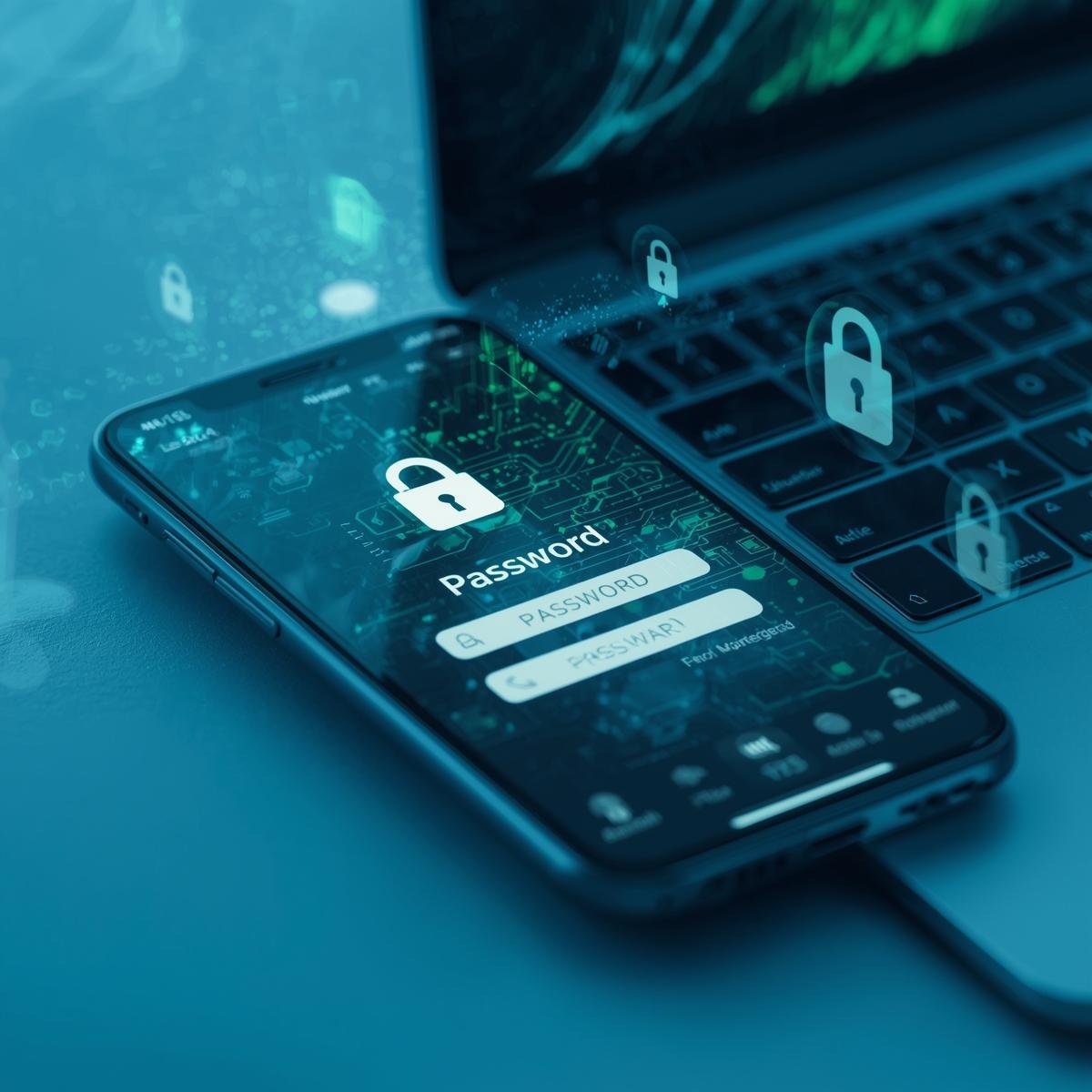
The internet provides convenience, communication, and information, but it also exposes users to risks. Understanding common cyber threats is essential for protecting personal data, financial information, and devices.
This guide explains the most frequent cyber threats, how they work, and how to protect against them.
Malware
What It Is
Malware is software designed to harm devices or steal information.
Types of Malware
- Virus: Attaches to files and spreads to other devices.
- Worm: Self-replicates and spreads through networks.
- Trojan: Disguised as legitimate software but carries harmful code.
- Ransomware: Locks files or devices and demands payment.
- Spyware: Monitors activity without the user’s knowledge.
Prevention
- Install antivirus software
- Avoid downloading unknown files
- Keep software updated
Phishing
What It Is
Phishing is an attempt to trick users into revealing sensitive information.
Common Forms
- Emails pretending to be from banks or services
- Fake websites mimicking legitimate sites
- Messages asking for passwords or personal data
Prevention
- Verify sender identity
- Do not click on suspicious links
- Enable two-factor authentication
Social Engineering
What It Is
Social engineering manipulates people into giving away information.
Examples
- Phone calls pretending to be IT support
- Emails requesting account verification
- Impersonation on social media
Prevention
- Be skeptical of unexpected requests
- Confirm requests through official channels
- Avoid sharing sensitive information casually
Denial of Service (DoS) Attacks
What It Is
DoS attacks overload a system, making it unavailable.
How It Works
- Attackers send excessive requests to servers
- Websites or services crash or slow down
Prevention
- Use network firewalls
- Employ traffic monitoring systems
- Businesses may use anti-DoS services
Man-in-the-Middle (MitM) Attacks
What It Is
MitM attacks intercept communication between two parties.
Example
- An attacker monitors data on public Wi-Fi
- Sensitive data such as passwords or financial information is stolen
Prevention
- Use VPNs
- Avoid public Wi-Fi for sensitive transactions
- Ensure websites use HTTPS
Password Attacks
Types
- Brute Force: Trying all possible combinations
- Credential Stuffing: Using leaked passwords from other accounts
- Keylogging: Capturing keystrokes to steal passwords
Prevention
- Use strong, unique passwords
- Enable two-factor authentication
- Avoid reusing passwords across accounts
Insider Threats
What It Is
Threats originating from employees or people with access to systems.
Examples
- Data theft by staff
- Unauthorized access to sensitive systems
- Accidental data leaks
Prevention
- Limit access based on roles
- Monitor user activity
- Educate employees on security practices
Spyware and Adware
Spyware
- Monitors device activity
- Can capture browsing history, keystrokes, and location
Adware
- Displays unwanted advertisements
- May track browsing habits for marketing purposes
Prevention
- Install trusted security software
- Avoid unknown downloads
- Review app permissions regularly
Zero-Day Exploits
What It Is
A vulnerability unknown to software developers. Attackers exploit it before a patch is released.
Prevention
- Keep systems updated
- Apply patches immediately
- Use security software to detect unusual behavior
Cybersecurity Best Practices
- Regularly update software
- Use antivirus and anti-malware tools
- Enable strong authentication
- Backup data regularly
- Educate users about threats
Conclusion
Cyber threats are diverse and constantly evolving. Malware, phishing, social engineering, DoS attacks, MitM attacks, password attacks, insider threats, spyware, and zero-day exploits are the most common risks.
Understanding these threats and following best practices reduces vulnerability and ensures safer online activity. Awareness, prevention, and cautious behavior are essential in today’s digital environment.